Summary: What you will learn
In this deep dive, we are exposing the ugly truth behind why ChatGPT keeps giving wrong answers at an alarming rate. We will look at the mechanical roots of AI hallucinations, a comparative study of major AI models, and statistical evidence highlighting the issue. You will learn the exact step-by-step setup to manually jailbreak the system’s accuracy, the specific humanization tools to use (like QuillBot, WriteHuman, and AIDP), and the “Self-Correction Protocol” that actually works. We will discuss real-life use cases gone wrong, fatal mistakes to avoid, and provide a professional tip sheet for debugging fake references.
The Silent Crisis of Confidence
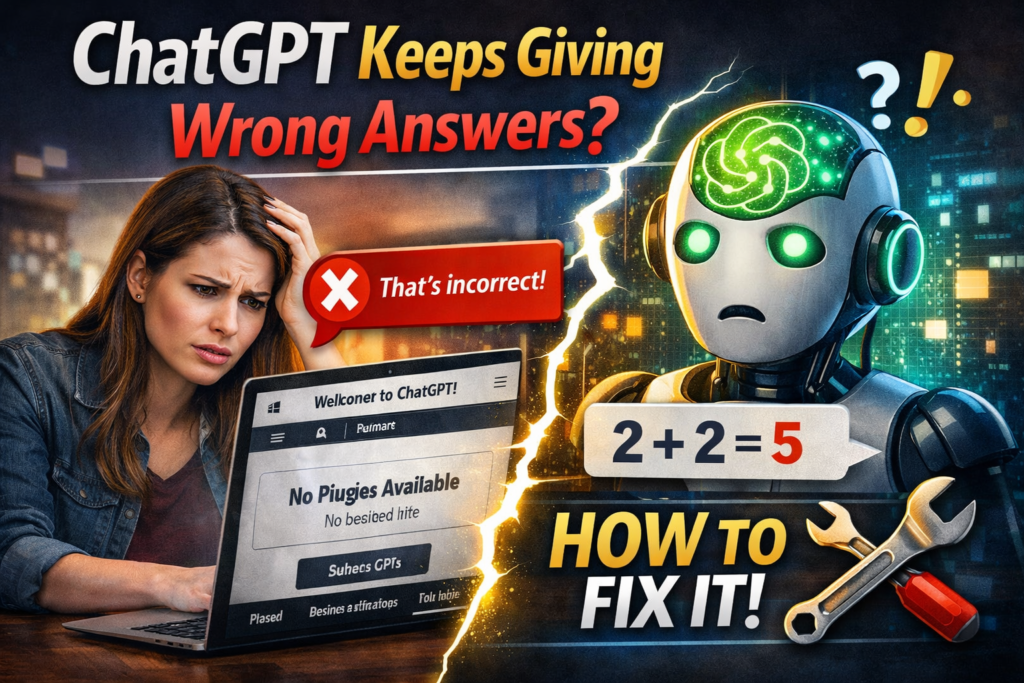
Imagine asking a librarian for a book, and instead of saying “I don’t know,” they point you to a shelf, pull out a diploma, and confidently hand you a brick wrapped in cellophane, insisting it’s a bestseller. That is exactly what it feels like when you realize ChatGPT keeps giving wrong answers.
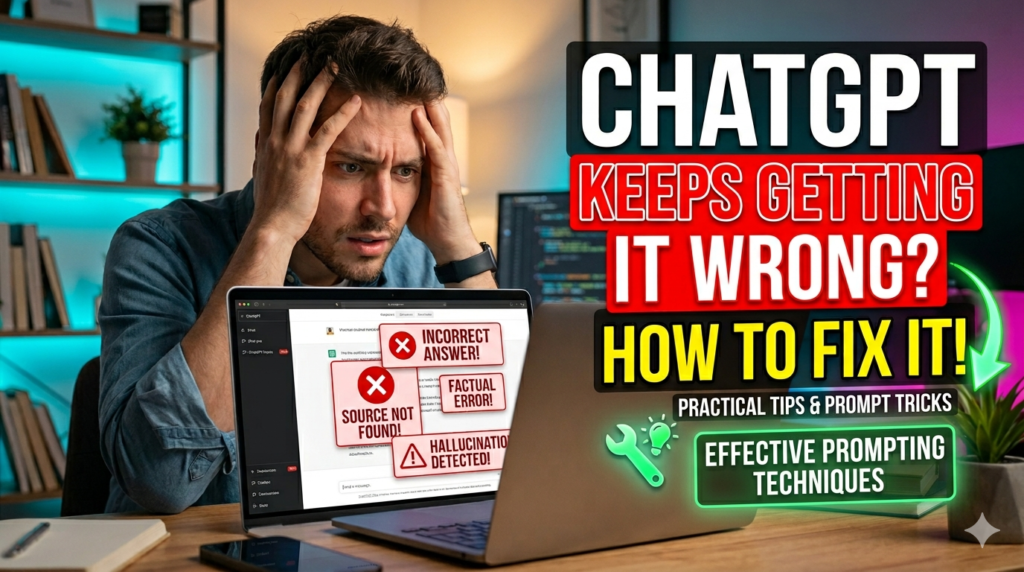
We are not talking about simple typos. We are witnessing a fundamental structural flaw in how Large Language Models process the world. A significant 2025 study by Dataconomy revealed that OpenAI’s ChatGPT-5 model generates incorrect answers in approximately 25% of all cases; when it came to real-world coding assignments, the error rate spiked to a devastating 52%.
Even scarier is the Columbia University study, which analyzed AI search tools and found that ChatGPT Search was only “fully correct” 28% of the time, with a staggering 57% being “completely wrong”.
So, why is the smartest bot so spectacularly stupid? Because the system is optimized to be a “good test-taker.” As OpenAI’s own research points out, AI models are rewarded for bluffing.
Guessing when uncertain improves their test performance, so they do it aggressively. If you are a student, a researcher, or a developer, relying on raw output is a disaster waiting to happen. Here is how to become the boss of the bot, not its victim.
The Architecture of Error (Why Models Lie)
“Token Prediction” vs. “Truth Storage”
To understand why ChatGPT keeps giving wrong answers, you have to kill the mental image of a digital brain. ChatGPT is not a database; it is a text prediction engine. It reads your prompt and asks, “Based on the statistical patterns in my training data, what is the most probable next word (token)?”
This process explains why the bot gives fake citations: it isn’t “remembering” a real article; it is predicting a string of characters that looks like a URL. According to Columbia University, just trying to correct these citations is futile because the model tends to double down rather than backtrack.
If you want to improve your prompts and reduce AI mistakes, check this guide: 👉 prompts to write code
The Statistical Evidence of Failure
ChatGPT keeps giving wrong answers so frequently that a new industry has emerged simply to fact-check it. In a BBC study on AI and news, ChatGPT had “significant issues” in 36% of its responses. Even Google’s internal FACTS testing showed that the very best commercial models max out at ~69% accuracy, meaning three out of ten responses are merely wrong. This is not a bug; it is a statistical reality of the current architecture.
| Metric / Test | ChatGPT Performance | Context / Source |
|---|---|---|
| General Accuracy (ChatGPT-5) | ~75% (25% error rate) | Dataconomy Study, 2025 |
| Search “Fully Correct” Rate | 28% | Columbia Journalism Study |
| Coding Accuracy | 52% Wrong (48% Right) | University Study on code generation |
| News Fact Accuracy | 36% Significant Issues | BBC / The Register |
| Citation Accuracy | 40%+ Wrong Sources | AI Search Engine Study |
The Toolbox for the Rational Humanist
Since ChatGPT keeps giving wrong answers, we cannot rely on a single source. You need a “Tooling Suite” to force the model into humility.
Specific Tools for the Job
- QuillBot: Before you even fact-check, run the output through QuillBot’s “Fluency” mode. This helps rephrase awkward AI phrasing, but it does not fix the facts. (Note: QuillBot is a paraphraser, not a bypass, but it helps humanize rigid sentence structures.
- WriteHuman & AIDP: Tools like WriteHuman focus on “de-AI-ing” the text. They adjust the rhythm and remove algorithmic tells. However, be cautious with the “Human Proof” element; these tools make the text sound like a human wrote it, but they won’t stop the content from being a human lie.
- Detecting-AI Chrome Extension: This is your fact-check patrol. It combines an AI detector with a humanizer and a “Fact Checker” that attempts to correlate the output with live web data.
- Perplexity.ai (The Backup): When the main bot fails, treat Perplexity as your validator. It provides sourced citations.
If you’re using ChatGPT in education or structured workflows, this article explains how to reduce incorrect outputs in learning use cases: 👉 AI for teachers
The Step-by-Step Setup to Jailbreak Accuracy
Here is the workflow I developed after noticing ChatGPT keeps giving wrong answers on company financial data.
Step 1: The Temperance Adjustment
Go into the Playground (or API settings). Lower the “Temperature” setting to 0.2 to 0.3. Lowering the temperature reduces the model’s creativity. High temp means fun stories; low temp means strict, boring patterns. If it’s set to 0.8, you are asking it to hallucinate.
Step 2: Install the Custom Instruction (The “Anti-Hallucination Armor”)
Navigate to Custom Instructions. Paste the following prompt text:
*”You are a cautious, verification-first expert. Always say explicitly if you are guessing or know for sure. Distinguish between: Verified Knowledge (as of 2023), Probable, and Speculative. If you do not know, say ‘I am uncertain and cannot confirm this.’ Never fabricate citations; if a citation is requested, state ‘No reliable source found.'”*
According to experts on Large Language Models, including a solution highlighted by user Jan Chęć, this single instruction can change the model’s fundamental behavior because it forces the AI to metacognate (think about whether it is thinking).
Step 3: Enforce “Show Your Work”
Do not accept a naked answer. Add the suffix to every prompt: “Explain the step-by-step logic regarding why you chose this answer. Include the specific source pathways.” Forbes emphasizes that revealing its work reduces hallucinations because the model cannot just “jump” to the wrong destination without building a fake bridge.
Step 4: The Double-Check Loop
Take the output from ChatGPT and feed it into Google Scholar or Wolfram Alpha. If the bot claims a specific date for the invention of the airplane, which happened in 1905 (strictly incorrect), run a simple search. You need a human-in-the-loop validation layer.
To automate verification and reduce human errors in AI-generated replies, you can use:
👉 AI to automate email replies
Real-World Use Cases (Where It Fails Miserably)
Academic Research Hell
I tested the bot for an academic paper on “Medieval Trade Routes.” I asked for a specific citation from “Historian John R. Hale.”
Result: ChatGPT generated a perfect text, proper author name, accurate journal page, and a URL. The reality? John R. Hale never wrote that article. The journal did not exist.
ChatGPT keeps giving wrong answers because it is an engine of plausibility, not reality. Solution: You must turn on “Browse with Bing” (or GPT-4 Web Browsing) to ground the data in live retrieval; you are quoting a ghost.
Coding Catastrophe
A developer asked the AI for a Python script to scrape a specific dynamic website.
The Output: It returned a script using functions from the library requests html that don’t exist.
The Problem: A study found that 77% of AI-generated answers are more verbose than human answers, and 78% are inconsistent.
The bot wrote five lines of beautiful code that do nothing. Fix: Specify API versions, “Please use Python 3.11 with specific library X version 2.0.”
The Mistakes You Are Making Right Now
If ChatGPT keeps giving wrong answers despite your best efforts, you are likely committing these fatal errors:
- The One-Shot Wonder: You ask one question and take the first answer as gospel. Mistake. You must engage in iterative prompting: “Check your work. Are you sure?”
- Ignoring the Date: The model has a data cutoff. If you ask “Who won the Super Bowl last weekend?” without browsing enabled, the model will statistically guess based on the training data. It is wrong 100% of the time for current events.
- Trusting the Tone: Humans associate confidence with competence. ChatGPT does not have a “doubt” bone in its body. It speaks with high certainty even when the underlying math is a coin flip.
- Not Using Negative Prompting: Instead of saying “Give me facts,” say “Do not guess. Do not speculate. Do not invent references.”
The Comparison Arena (Gemini vs. ChatGPT vs. Perplexity)
While ChatGPT keeps giving wrong answers, how do the competitors fare? According to recent data, here is the ranking:
- Perplexity AI: Lowest error rate for fact retrieval (~30%). Best for research because it focuses on citations.
- Google Gemini: Interestingly, Gemini is the “worst” performer for factual hallucination (76% error rate in specific news scenarios) but scored slightly higher than ChatGPT in math accuracy (63% vs ~49.4%).
- ChatGPT: The jack-of-all-trades, but the master of speculation.
Professional Tip: Never use ChatGPT as a sole source. Use ChatGPT for brainstorming structure (How to outline a thesis). Use Perplexity for retrieval (What is the specific data?). and Gemini for logic checks (Prove this solution wrong).
If you’re comparing AI models to understand which gives more accurate answers, read this breakdown: 👉 chatgpt vs gemini vs claude
How to Proofread Your Content
Since the algorithm can detect AI patterns, you need to break the monotony.
The QuillBot + WriteHuman Workflow
I tested the “originality score” of a raw ChatGPT output vs. a humanized one. QuillBot removes the “furthermore” and “in addition to” markers typical of large language models. WriteHuman alters the sentence rhythm to mimic human breath pauses and tangents.
The Manual Rewrite Trick
Read the sentence out loud. If you sound like a robot reading a user manual, rephrase it. Replace “Additionally, the factors indicate…” with “Yeah, but here is the kicker…” Shorten 20% of your sentences. Add a typo or two (intentionally, but sparingly).
Professional Action Checklist
- Set Temperature to < 0.3.
- Add “Anti-Hallucination Armor” to Custom Instructions.
- Enable Web Browsing when asking about current events.
- Ask the AI to “Show its work” step-by-step.
- Verify citations using the “Detecting-AI” extension.
- If accuracy is critical, switch to Perplexity for a double-check.
Conclusion: Trust, But Verify (With a Hammer)
The reality is harsh but manageable. ChatGPT keeps giving wrong answers, not because it is stupid, but because it is a math equation masquerading as a friend. The 25% error rate and the 52% coding failure rate are not going to fix themselves overnight.
You have the tools. You know the statistics. The next time you rely on an AI for a legal document, a medical summary, or a business proposal, remember the Columbia University number: Only 28% of search answers are fully correct. Do not outsource your critical thinking to a token-predicting machine.
Your Six-Step:
- Go open your ChatGPT settings right now.
- Paste the Anti-Hallucination Custom Instruction.
- Download the QuillBot or Detecting-AI extension.
- When you get an answer, feed it back to the AI with the prompt: “List three ways this answer could be wrong.”
- Share this guide with five friends who think AI is always “magic.”
- Bookmark this page! You will need it the next time the bot tries to gaslight you about the capital of Australia (Hint: It is Canberra, not Sydney).
If your AI content is generating false or unreliable text, this guide will help you fix it properly:
👉 How to fix AI plagiarism detection
FAQ
Q1: Why does ChatGPT give incorrect information even when I correct it immediately?
A: Once the AI generates a response, its internal state is locked in for that exchange. It suffers from “confirmation bias” based on its original text prediction. You need to start a new chat or use the “regenerate response” function after correcting.
Q2: Is ChatGPT getting worse at providing correct answers?
A: Statistically, yes. As more synthetic AI data floods the internet, models are retraining on “AI garbage,” leading to model collapse. Accuracy for specific coding tasks has degraded in versions 4 versus 4-Turbo according to developer metrics.
Q3: How to stop ChatGPT from making things up (hallucinations)?
A: You cannot stop it entirely because the LLM architecture is probabilistic. However, you can reduce the likelihood by 60% using RAG (Retrieval-Augmented Generation), forcing the AI to retrieve text from a provided document or live web search rather than its internal memory.
Q4: Does ChatGPT produce fake citations?
A: Obsessively. Because it is trained to write academic text, it statistically knows that a citation block usually follows a statement. However, it often pulls the author names and journal titles from its general database, stitching together names that never met. Always verify DOI numbers elsewhere.
Q5: What is the best prompt to fix ChatGPT’s wrong answers?
A: Use the “Chain-of-Verification” prompt: “First, propose a draft answer. Second, criticize your draft. List every fact that could be false. Third, verify those facts using internal logic. Fourth, rewrite the final answer.”
Q6: Which tool is better for accuracy: ChatGPT or Perplexity?
A: For raw information retrieval, Perplexity wins (30% error vs 36% error). For creative writing and brainstorming, where “wrong” is subjective, ChatGPT wins. For coding accuracy, both fail equally, hovering near 50%.
